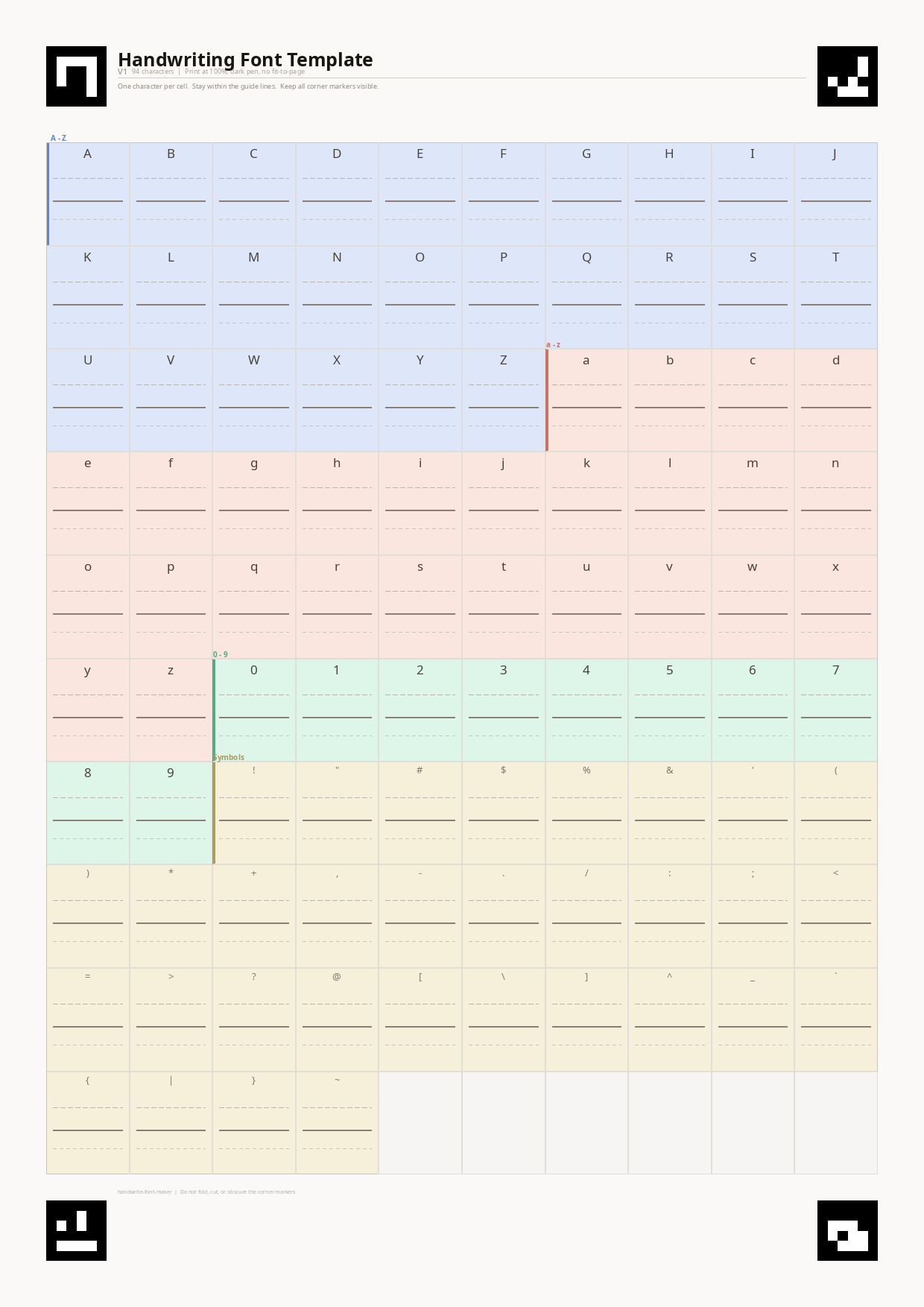
Print the template
Download the V1 PDF and print at 100% scale. The four ArUco corner markers must stay visible and uncropped.
Print a template, fill it in by hand, photograph it, and get back OTF and TTF files. The computer-vision pipeline handles marker detection, perspective correction, and glyph extraction.
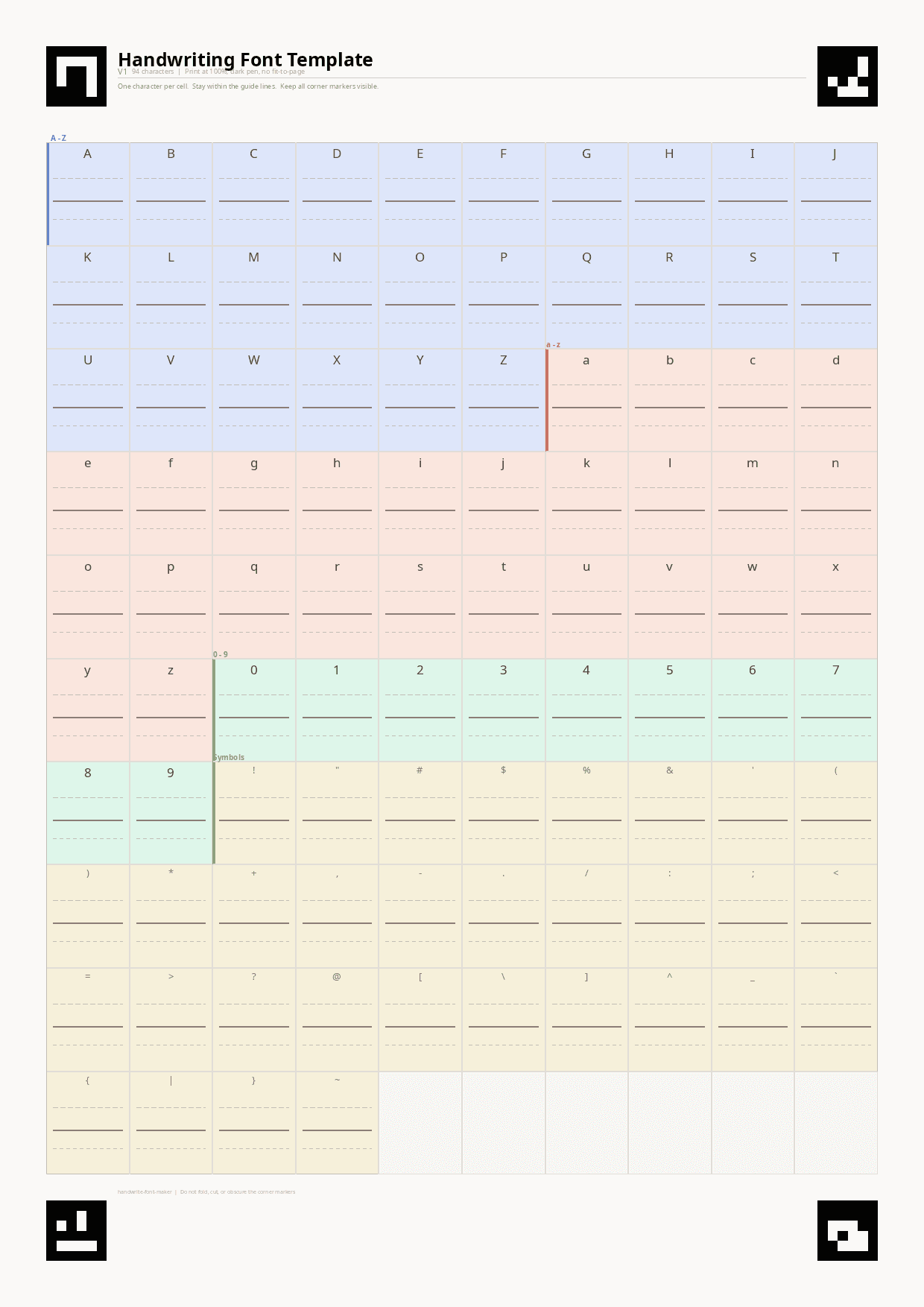
Download the V1 PDF and print at 100% scale. The four ArUco corner markers must stay visible and uncropped.
Write one character per cell using a dark pen. Bright, even lighting and a flat surface produce the best results.
Snap a photo with your phone or upload an image. The pipeline detects markers, corrects perspective, extracts glyphs, and builds your font.
Photograph your completed template and upload it here. The backend detects markers, corrects perspective, extracts glyphs, and generates installable font files.